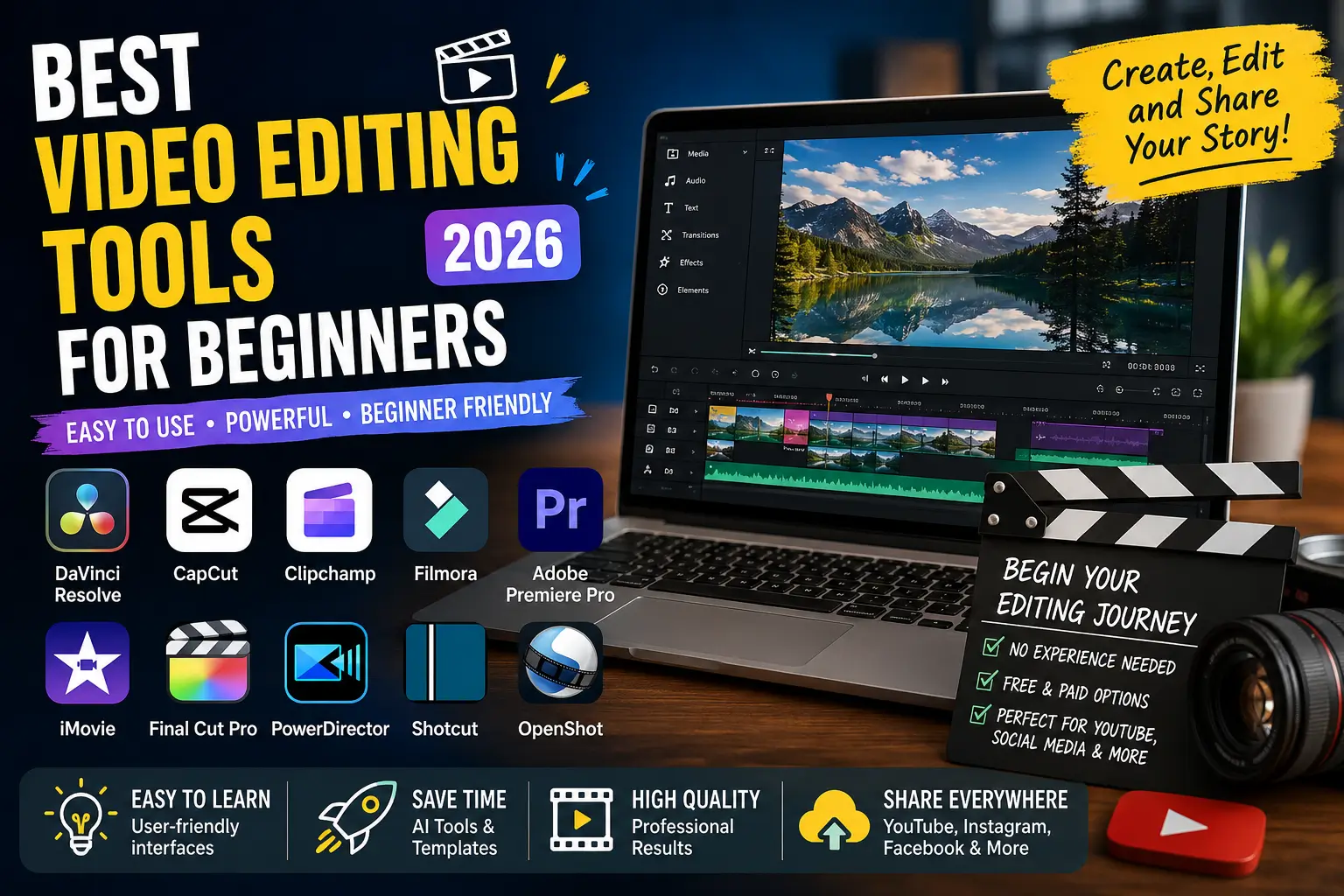
Best Video Editing Tools for Beginners (2026 Complete Guide)
Video content has become the internet’s universal language. Whether you’re building a YouTube channel, creating Instagram Reels, producing online courses, freelancing, or promoting a business, learning video editing has become one of the highest-value digital skills. The good news is that you no longer need expensive equipment or years of professional training to produce impressive videos. Modern editing software includes AI-powered features, drag-and-drop timelines, automatic captions, background noise removal, smart transitions, and ready-made templates that dramatically reduce the learning curve. Recent industry reviews consistently recommend tools like DaVinci Resolve, CapCut, Clipchamp, Filmora, and PowerDirector as excellent starting points for beginners because they combine ease of use with powerful editing capabilities.
If you’ve been searching for the best video editing tools for beginners, this guide will help you choose the right software based on your device, experience, budget, and long-term goals. You’ll also discover the best video editing software for beginners free, the best video editing software for YouTube beginners, and practical tips on how to learn video editing for free in India without spending thousands of rupees.
Why Video Editing Is One of the Most Valuable Skills Today
Over the past few years, businesses have shifted much of their marketing budget toward video content. YouTube, Instagram, Facebook, LinkedIn, TikTok, and even company websites now prioritize engaging videos because they typically generate higher engagement than plain text or images. Companies actively hire video editors for advertising campaigns, educational content, product demonstrations, podcasts, and social media management. Freelancers with editing skills also find opportunities on platforms like Upwork and Fiverr, while creators can monetize through YouTube, sponsorships, and digital products.
Artificial intelligence has also transformed editing workflows. Tasks that once required hours—such as subtitle generation, background removal, color correction, and audio enhancement—can now be completed automatically. This means beginners can focus on storytelling rather than technical complexity. Even if your ultimate goal is a remote job, freelancing career, or YouTube channel, mastering a beginner-friendly editor creates a strong foundation for professional growth.
What Makes a Video Editing Tool Beginner-Friendly?
Choosing the easiest video editing software for beginners isn’t simply about selecting the software with the fewest buttons. A great beginner editor balances simplicity with room for growth. The interface should feel intuitive, allowing users to import media, trim clips, add transitions, insert music, and export videos without feeling overwhelmed.
Important features include drag-and-drop editing, automatic subtitles, AI-powered editing suggestions, stock media libraries, built-in transitions, audio cleanup tools, screen recording, cloud synchronization, and one-click social media exports. Modern editors also include template-based workflows, making it easier to produce professional-looking content in minutes.
As your skills improve, you’ll appreciate software that gradually introduces advanced tools such as keyframes, masking, color grading, motion tracking, multicam editing, and visual effects. Choosing software with this upgrade path prevents you from needing to learn a completely new program later.
Best Video Editing Tools for Beginners Compared
| Software | Free Version | Best Platform | Difficulty | Best For |
|---|---|---|---|---|
| DaVinci Resolve | Yes | Windows, Mac | Medium | Professional growth |
| CapCut | Yes | PC & Mobile | Easy | Social media |
| Clipchamp | Yes | Windows | Very Easy | Beginners |
| Filmora | Trial | Windows & Mac | Easy | YouTube |
| Premiere Pro | Trial | Windows & Mac | Advanced | Professional work |
| iMovie | Free | Mac | Very Easy | Apple users |
| Final Cut Pro | Trial | Mac | Medium | Professional Mac creators |
| PowerDirector | Free | Windows | Easy | Beginners |
| Shotcut | Free | Windows, Mac, Linux | Medium | Open-source users |
| OpenShot | Free | Windows, Mac, Linux | Easy | Hobby editing |
Top 10 Best Video Editing Software for Beginners
DaVinci Resolve
For anyone serious about learning editing professionally, DaVinci Resolve remains one of the strongest recommendations. The free version includes professional-grade editing, color grading, visual effects, and audio production without watermarks or time limits, making it one of the most generous free editors available. Although its interface initially feels intimidating, thousands of free tutorials make learning manageable, and many professional filmmakers continue using it throughout their careers. Industry reviewers consistently rank DaVinci Resolve as the best free professional editor available in 2026.
CapCut
CapCut has become one of the most popular best video editing apps thanks to its AI-powered workflow. Automatic captions, trendy templates, background removal, auto-reframing, music synchronization, and social-media-first design make it ideal for beginners producing YouTube Shorts, Instagram Reels, and TikTok videos. If speed matters more than cinematic precision, CapCut is difficult to beat.
Clipchamp
Microsoft Clipchamp is included with Windows and offers one of the simplest editing experiences available. Drag-and-drop editing, stock assets, voice recording, templates, and cloud integration help beginners create polished videos without installing complex software. It is particularly suitable for students, teachers, and small businesses.
Filmora
Filmora strikes an excellent balance between simplicity and creative freedom. Animated titles, effects, AI tools, transitions, and royalty-free assets make it especially attractive for YouTubers. Many creators start with Filmora before transitioning to Premiere Pro or DaVinci Resolve.
Adobe Premiere Pro
Although not the easiest choice for complete beginners, Adobe Premiere Pro remains the industry standard for professional editors. Learning Premiere Pro opens career opportunities in agencies, production houses, and freelance editing. If you eventually want to edit documentaries, commercials, or films, investing time here can pay significant dividends.
iMovie
Mac users receive iMovie free with their devices. Its clean interface introduces essential editing concepts like trimming, transitions, titles, and audio editing without unnecessary complexity. Many successful YouTubers edited their first videos using iMovie before moving to Final Cut Pro.
Final Cut Pro
Exclusive to macOS, Final Cut Pro combines exceptional speed with a professional feature set. Its magnetic timeline simplifies editing while maintaining professional performance. Apple ecosystem users often prefer it because of excellent optimization and a one-time purchase model.
PowerDirector
CyberLink PowerDirector is frequently recommended for beginners because of its balance between affordability, AI features, and user-friendly interface. Recent reviews highlight its intuitive workflow while noting that premium AI tools require a subscription.
Shotcut
Shotcut is an open-source editor offering surprisingly advanced capabilities for a free application. It supports numerous video formats, hardware acceleration, and multi-track editing while remaining completely free.
OpenShot
If your editing needs are basic, OpenShot provides a lightweight, beginner-friendly experience with transitions, titles, animations, and cross-platform compatibility.
How to Learn Video Editing for Free in India
Learning video editing for free in India has never been easier. YouTube hosts thousands of complete beginner courses covering DaVinci Resolve, CapCut, Premiere Pro, Filmora, and mobile editing. Many creators also publish project-based tutorials where you recreate real YouTube videos from start to finish.
A practical learning roadmap includes:
- Learn basic timeline editing.
- Master trimming and splitting clips.
- Add music and voice-over.
- Practice transitions sparingly.
- Learn color correction.
- Add subtitles.
- Export videos in different formats.
- Edit at least three videos every week.
Consistency matters more than expensive software. Within a few months of regular practice, you’ll notice dramatic improvements in editing speed and storytelling ability.
Best Video Editing Software for YouTube Beginners
If your goal is YouTube, your choice depends on content style.
- CapCut — Best for Shorts.
- Filmora — Great for tutorials and lifestyle channels.
- DaVinci Resolve — Best long-term investment.
- Clipchamp — Fast beginner workflow.
- Premiere Pro — Professional YouTubers.
- Final Cut Pro — Best for Mac creators.
Many successful creators begin with free software before upgrading as their channels grow.
Common Mistakes Beginners Should Avoid
New editors often believe more effects automatically make videos more engaging. In reality, clean editing usually performs better. Avoid excessive transitions, loud background music, inconsistent fonts, poor audio quality, overused animations, and unnecessary zoom effects.
Instead, prioritize storytelling, pacing, clear audio, and consistent branding. Viewers forgive average visuals far more quickly than poor sound quality or confusing editing.
Final Verdict
The best video editing tools for beginners ultimately depend on your goals. If you want a completely free professional editor, DaVinci Resolve is difficult to beat. If your priority is creating short-form social media content quickly, CapCut offers one of the fastest workflows available. Windows users looking for simplicity should consider Clipchamp, while Apple users can confidently begin with iMovie before progressing to Final Cut Pro. Creators planning long-term professional careers may eventually transition to Adobe Premiere Pro, but beginners should focus first on mastering editing fundamentals rather than chasing advanced features. Independent reviews and community discussions consistently recommend starting simple and upgrading only when your projects demand more advanced capabilities.
Frequently Asked Questions
1. Which video editor is best for beginners?
DaVinci Resolve, CapCut, Clipchamp, Filmora, and iMovie are among the best beginner-friendly options.
2. What is the best free video editing software?
DaVinci Resolve is widely considered the most powerful free editor with no watermark or time limit.
3. Can I learn video editing for free in India?
Yes. Free YouTube tutorials, practice projects, and official documentation are sufficient to build professional editing skills.
4. Which video editing software is best for YouTube beginners?
Filmora, CapCut, DaVinci Resolve, and Clipchamp are excellent choices depending on your content style.
5. How long does it take to become good at video editing?
With consistent practice for one to two hours daily, many beginners become comfortable producing quality videos within three to six months.
Best Free Video Editing Software for Beginners
One of the biggest questions new creators ask is whether they should start with a free editor or invest in paid software immediately. The answer depends on your goals, but for most beginners, free software is more than enough. Modern free editors include features that were once available only in premium applications, such as multi-track editing, AI-powered subtitles, color correction, screen recording, and even advanced visual effects. Unless you are working on commercial film projects or need specialized plugins, there is little reason to spend money during your learning phase.
Among all the best video editing software for beginners free, DaVinci Resolve stands out because it offers professional-grade capabilities without adding watermarks or limiting export quality. CapCut is another excellent option, especially if your content focuses on Instagram Reels, YouTube Shorts, or TikTok. Microsoft Clipchamp is perfect for Windows users who want a simple editing experience with cloud integration, while OpenShot and Shotcut remain excellent open-source alternatives. These editors allow beginners to experiment, make mistakes, and build confidence without worrying about monthly subscription costs.
Paid software becomes worthwhile when you require premium stock assets, AI automation, collaborative workflows, commercial licenses, or advanced visual effects. Programs like Filmora, Adobe Premiere Pro, and Final Cut Pro include additional creative tools that save time once you begin producing videos regularly. Rather than purchasing expensive software on day one, consider mastering a free editor first. Once you understand editing fundamentals, transitioning to a premium application becomes significantly easier because the core concepts—cutting, trimming, transitions, keyframes, audio editing, and color grading—remain largely the same across platforms.
Best Video Editing Software for Beginners PC
If you’re editing on a desktop or laptop, choosing software that matches your computer’s hardware is just as important as selecting the right features. Many beginners mistakenly install professional software on older systems, only to experience slow playback, frequent crashes, and frustrating export times. Fortunately, several editors are optimized for entry-level hardware while still delivering impressive results.
For Windows users with basic laptops, Clipchamp and CapCut are excellent choices because they are lightweight and beginner-friendly. Filmora performs well on mid-range systems and provides plenty of creative effects without overwhelming new users. If your computer has at least 16 GB of RAM and a dedicated graphics card, DaVinci Resolve becomes a fantastic long-term investment because it introduces professional workflows from the beginning. Adobe Premiere Pro also benefits from powerful hardware but rewards users with industry-standard editing capabilities.
Below is a quick comparison of recommended hardware requirements.
| Software | Minimum RAM | Recommended RAM | Best For |
|---|---|---|---|
| CapCut | 8 GB | 16 GB | Social Media |
| Clipchamp | 8 GB | 8 GB | Beginners |
| Filmora | 8 GB | 16 GB | YouTube |
| DaVinci Resolve | 16 GB | 32 GB | Professional Editing |
| Premiere Pro | 16 GB | 32 GB | Commercial Projects |
| Shotcut | 8 GB | 16 GB | Open Source |
| OpenShot | 8 GB | 8 GB | Hobby Editing |
Investing in a faster SSD, increasing RAM, and using a dedicated GPU often improves editing performance more than upgrading software alone.
Best Video Editing Software for Mac
Apple users enjoy access to some of the best optimized editing software available. Since Apple controls both the hardware and operating system, Mac-exclusive applications often deliver exceptional performance even on relatively modest machines.
For complete beginners, iMovie remains one of the easiest video editing tools available. Its clean interface teaches essential editing skills without introducing unnecessary complexity. You can trim clips, add transitions, adjust audio, insert titles, and export high-quality videos within minutes. Because it comes pre-installed on most Macs, there is no additional cost involved.
As your editing skills improve, Final Cut Pro becomes the natural upgrade path. It offers magnetic timelines, advanced color grading, multicam editing, motion graphics, and outstanding rendering performance thanks to Apple’s hardware optimization. Many professional YouTubers, documentary filmmakers, and commercial editors prefer Final Cut Pro because of its speed and one-time purchase model.
Mac users can also install DaVinci Resolve, Adobe Premiere Pro, Filmora, CapCut, and Shotcut, making macOS one of the most flexible platforms for video editing.
What Is the Best Video Editing Tool to Learn?
This question doesn’t have a single correct answer because the “best” software depends on your long-term goals. Someone creating Instagram Reels has very different needs from someone editing documentaries or cinematic travel films.
If your objective is becoming a professional editor, DaVinci Resolve is arguably the best video editing tool to learn. It teaches industry-standard editing techniques while remaining completely free for most users. Learning Resolve also prepares you for advanced workflows involving color grading, visual effects, and professional audio mixing.
If your goal is content creation on YouTube, Filmora provides a gentle learning curve while still offering advanced creative tools. For social media creators, CapCut simplifies editing through AI-powered automation, templates, and one-click exports. Businesses and corporate teams often appreciate Clipchamp because of its ease of use and Microsoft integration.
The important lesson is not to constantly switch software. Spend several months mastering one editor before exploring alternatives. Deep knowledge of one platform is far more valuable than shallow familiarity with five different applications.
AI Features That Are Changing Video Editing
Artificial intelligence has completely transformed the editing process. Just a few years ago, editors manually transcribed videos, removed background noise, created subtitles, tracked objects, and adjusted color settings. Today, AI performs many of these tasks automatically within seconds.
Some of the most useful AI-powered editing features include:
- Automatic subtitle generation
- AI voice enhancement
- Background noise removal
- Silence detection
- Smart scene detection
- Automatic reframing for different platforms
- AI object removal
- Background replacement
- Auto color correction
- Text-to-video assistance
These tools don’t replace creativity—they eliminate repetitive tasks so editors can focus on storytelling. Beginners especially benefit because AI reduces technical barriers while allowing them to produce professional-looking videos much faster than ever before.
How to Edit Videos for Beginners (Step-by-Step Workflow)
Many beginners install editing software without developing a consistent workflow. Professional editors follow a structured process that keeps projects organized and reduces mistakes.
Start by creating folders for your footage, music, images, graphics, and exported videos. Import everything into your editing software before making any cuts. Watch every clip from beginning to end so you understand what footage you have available. Next, remove unnecessary mistakes, pauses, and duplicate takes. Once the rough cut is complete, begin adding transitions only where they genuinely improve the viewing experience.
After arranging the video, adjust audio levels so voices remain clear and background music doesn’t overpower narration. Apply basic color correction to maintain visual consistency across all clips. Finally, add subtitles, titles, logos, and simple animations before exporting in the appropriate resolution for your chosen platform.
Following this workflow consistently makes editing significantly faster and produces more professional results.
Tips to Grow as a Video Editor
Learning software alone isn’t enough to become an excellent editor. The best editors understand storytelling, pacing, emotion, and audience engagement. Every cut should have a purpose. Every transition should guide the viewer naturally rather than distract them.
To improve quickly:
- Edit videos every day, even if they’re only one minute long.
- Recreate videos from successful YouTube creators.
- Watch editing breakdowns from experienced professionals.
- Learn keyboard shortcuts to speed up your workflow.
- Study color grading and audio mixing.
- Build a small portfolio showcasing different editing styles.
- Accept constructive feedback and continuously refine your work.
Remember that consistency beats perfection. Small improvements made daily accumulate into professional-level skills over time.
Conclusion
Choosing the best video editing tools for beginners doesn’t require purchasing the most expensive software. Instead, focus on selecting an editor that matches your current skill level while providing room for future growth. If you’re looking for the best free video editing tool for beginners, DaVinci Resolve remains one of the strongest choices thanks to its professional capabilities and generous free version. CapCut excels for social media creators, Filmora offers an excellent balance of simplicity and creative power, Clipchamp provides an intuitive Windows experience, and iMovie remains the ideal starting point for Mac users.
The most important factor in becoming a great editor isn’t the software itself—it’s consistent practice. Every project teaches new techniques, improves storytelling, and builds confidence. Whether your goal is launching a YouTube channel, freelancing, creating business content, or simply learning a valuable digital skill, the tools available today make it easier than ever to get started. Pick one editor, commit to learning it thoroughly, and keep creating. Your first video won’t be perfect, but your fiftieth will be dramatically better.
Frequently Asked Questions
1. Which video editor is best for beginners?
DaVinci Resolve, CapCut, Filmora, Clipchamp, and iMovie are widely considered the easiest and most beginner-friendly video editing tools.
2. What is the easiest video editing software for beginners?
Clipchamp and iMovie offer some of the simplest interfaces, while CapCut combines ease of use with AI-powered editing features.
3. Is there a completely free video editing software without a watermark?
Yes. DaVinci Resolve, Shotcut, OpenShot, and iMovie allow users to export videos without watermarks in their free versions.
4. Which video editing software is best for YouTube beginners?
Filmora, DaVinci Resolve, CapCut, and Adobe Premiere Pro are excellent choices depending on your budget and long-term goals.
5. Can I learn video editing for free in India?
Absolutely. Thousands of free tutorials on YouTube, official software documentation, and practice projects make it possible to become highly skilled without paying for expensive courses.
Most searches keywords here>”best video editing app,
“best video editing software for mac,
“what is the best video editing tool,
“easiest video editing tool,
“which video editor is best for beginners
“what is the easiest video editing software for beginners,
“what’s the easiest video editing software to use,”best video editing tools for youtube,
“free video editing tools for beginners,
“best video editing tool to learn,
“how to edit videos for beginners,
“what is best video editing software for beginners,
“best free video editing tool for beginners,
“best video editing tools for free,Best Video Editing Tools for Beginners,Best Video Editing Tools for Beginners,Best Video Editing Tools for Beginners,Best Video Editing Tools for Beginners,Best Video Editing Tools for Beginners,Best Video Editing Tools for Beginners,Best Video Editing Tools for Beginners,Best Video Editing Tools for Beginners,Best Video Editing Tools for Beginners,Best Video Editing Tools for BeginnersBest Video Editing Tools for Beginners,Best Video Editing Tools for Beginners,Best Video Editing Tools for Beginners,Best Video Editing Tools for Beginners.
Best Video Editing Tools for Beginners,Best Video Editing Tools for Beginners,Best Video Editing Tools for Beginners,Best Video Editing Tools for Beginners,Best Video Editing Tools for Beginners,Best Video Editing Tools for Beginners,